
Extensions
How much does it cost to build a Chrome extension?
By Bilal Ahmed, Lead Chrome Extension Developer
Technically reviewed by Imran Shah, Cross-Browser Extension Lead
Published 8 min read
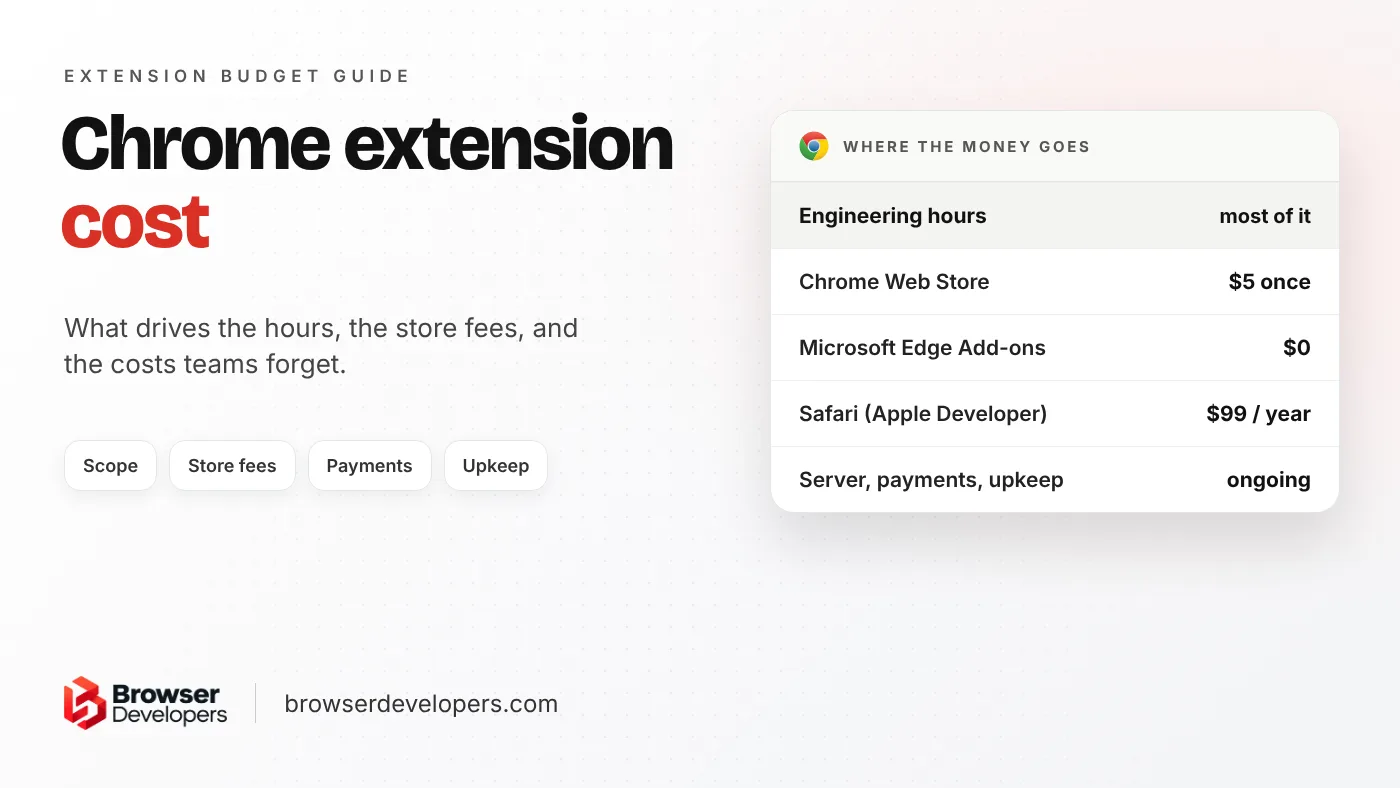
Search this question and you get price calculators and very wide price ranges. Both ends can be true, which is why a single number does not help you. This post shows what actually sets the price, the fixed costs with their official sources, the costs people forget, and how to get a quote you can compare. For the technical side, read our Manifest V3 extension guide.
How much does it cost to build a Chrome extension?
There is no fixed price. The cost is the engineering hours your extension needs, times the rate of whoever builds it, plus small fixed costs such as the $5 Chrome Web Store fee. Scope drives the hours: a backend, sign-in, payments and support for more browsers each add work.
The formula is simple:
- Engineering hours for design, code, testing, store submission and fixes after review.
- Times the hourly rate of the person or team who builds it.
- Plus fixed costs: store fees, a server if you need one, and any paid services such as a payment provider or an AI model.
Rates vary a lot by country and by who you hire. For one official figure, the US Bureau of Labor Statistics puts the median pay of a US software developer at $135,980 a year in May 2025. That is about $65 an hour over a 2,080-hour work year. It is a salary, not a client rate: agencies and freelancers charge more or less than that depending on their country, overheads and experience.
We do not publish fixed prices, because two extensions that sound alike can differ a lot in scope. What we can show is what moves the hours.
What makes a Chrome extension more expensive to build?
The biggest cost drivers are a backend with user accounts, payments, work on many websites, blocking or changing network requests, AI features, support for more browsers, and enterprise rollout. A small tool that runs only in the browser on one site costs the least.
| Feature | Why it adds work | Typical effect |
|---|---|---|
| Runs only in the browser, on one site | Small code base, one page layout to test | Lowest |
| Works on many websites | Every site’s layout is different and changes without warning | Medium |
| User accounts and sign-in | A server, a database, and sign-in flows inside the extension | Medium to high |
| Payments or subscriptions | Your own payment provider and plan checks on your server | Medium to high |
| Blocking or changing network requests | Store-installed extensions must use declarativeNetRequest rules instead of blocking webRequest | Medium to high |
| AI features | A server to keep API keys secret, plus ongoing model costs | High, and ongoing |
| An Edge version | Same Chromium engine and APIs, but a separate store review | Low |
| Firefox and Safari versions | Each has its own differences and store review; Safari ships inside an app | Medium per browser |
| Enterprise rollout | Policies, managed settings and private listings | Medium |
Some of that work comes straight from the rules of Manifest V3, Chrome’s current extension platform:
- The background script can stop at any time. Chrome shuts down an extension’s service worker after 30 seconds without activity. Anything long-running needs extra design so it survives that.
- No code from your server. In Manifest V3, all of an extension’s logic must be part of the package. Every change to the extension’s own code is a new release that goes through store review again.
- Permissions slow review. Chrome’s own review process page says reviews may take longer for extensions that ask for broad host permissions or sensitive permissions, and for those with more code.
How much does it cost to publish a Chrome extension?
Publishing on the Chrome Web Store needs a one-time developer registration fee, which Google set at $5. Publishing the same extension for Microsoft Edge is free. A Safari version needs the Apple Developer Program, which costs $99 a year.
| Store | Account cost | Source |
|---|---|---|
| Chrome Web Store | One-time registration fee, $5 | Chrome docs, 9to5Google (2020) |
| Microsoft Edge Add-ons | No registration fee | Microsoft Edge docs |
| Safari (App Store) | $99 a year, Apple Developer Program | Apple Developer |
- Chrome: Google’s registration page asks for a one-time fee before you can publish. When Google started charging it at sign-up in March 2020, 9to5Google reported the amount as $5.
- Edge: Microsoft’s developer registration docs say there is no registration fee. A company account is checked by Microsoft, which can take from a few days to a few weeks.
- Safari: Apple’s distribution guide says a Safari extension ships inside an app and that you first join the Apple Developer Program, which costs $99 a year.
What are the hidden costs of a Chrome extension?
The costs teams forget are the server and its hosting, a payment provider, privacy and permission paperwork for store review, waiting time in review, and upkeep when Chrome changes its extension platform. The Manifest V2 shutdown forced many extensions to be rebuilt.
- Your server. Accounts, sync, payments and AI need a backend, and it costs money every month it runs.
- Payments. Chrome Web Store payments are gone. The store team’s deprecation notice made a stop on new paid items permanent in September 2020 and stopped charging for existing ones on February 1, 2021. You need your own payment provider and a way to check each user’s plan.
- Store paperwork. The listing, screenshots, privacy answers and a written reason for each permission all take time before the first submission.
- Platform changes. Chrome’s Manifest V2 timeline shows what this can cost: all users had Manifest V2 extensions disabled with Chrome 138 in July 2025, and the remaining ones were removed from the store on August 31, 2026. Extensions that did not move to Manifest V3 stopped working in current Chrome. Our Manifest V2 to V3 migration checklist shows what that work involves.
- Regular upkeep. Chrome now ships a new major version every two weeks. Our post on Chrome’s two-week release cycle explains what that means for anyone who ships browser code. Budget for testing and small fixes through the year, not only for the first build. We test the cases users actually hit, such as an idle browser, a revoked permission or a strict site, before each release rather than waiting for support tickets.
How long does it take to build a Chrome extension?
Build time depends on scope, so get it estimated from a written list of features. Then add time you cannot shorten: Chrome Web Store review usually takes a few days but can take a few weeks, and new developers and broad permissions slow it down.
Two kinds of time go into the schedule:
- Build time, which you control through scope. Cutting the first version down to one browser, one main feature and no payments is the fastest way to shorten it.
- Waiting time, which you do not control. Chrome’s review page says most reviews finish within a few days but can take up to a few weeks, and it lists new developers, new extensions, risky permissions and large code changes as reasons for a closer look. Register your developer accounts early so this does not hold up launch. Our guide on how to publish a Chrome extension walks through each step.
Should you hire a freelancer or an agency to build a Chrome extension?
A freelancer is often a good fit for a small, well-defined extension. An agency or specialist team fits better when the extension has a backend, payments or enterprise users, or when you need someone to keep it working after every Chrome change.
| Freelancer | Agency or specialist team | |
|---|---|---|
| Best for | A small, clearly defined extension | A product with a backend, payments or enterprise users |
| Covers | Usually the extension code | Extension, server, store review and upkeep |
| Risk | One person; check who maintains it later | Higher cost; check who actually does the work |
Whoever you hire, ask how they handle two things: narrow permissions with a written reason for each, and no code loaded from a server. In our work, these remove two common causes of rejected or delayed reviews.
How do you get an accurate quote for a Chrome extension?
Write down what the extension must do, on which sites and browsers, who signs in, whether users pay, what data leaves the browser, and who maintains it after launch. Ask each developer to price the same list, and to list what is not included.
Send every developer the same list. Quotes are only comparable when they price the same work.
- What the extension must do, in a short list of features, with the one that matters most first.
- Which websites it works on, and which browsers: Chrome only, or Edge, Firefox and Safari too.
- Who signs in, and with what: Google, your own accounts, or a company sign-in.
- Whether users pay, and how: one-time, subscription or free.
- What data leaves the browser, and where it goes.
- Whether companies will install it for their staff.
- Who maintains it after launch, and how fast fixes must ship after a Chrome change.
Then ask each quote to say what is not included: store fees, server hosting, design, the privacy policy, and fixes after launch are the usual gaps.
Final takeaway
The price of a Chrome extension is hours times rate. Store fees are tiny next to that. Keep the first version small, plan for review time and yearly upkeep, and compare quotes only when every developer priced the same written list.
Frequently asked questions
Can you charge users for a Chrome extension?
Yes, but not through the Chrome Web Store. Its payment system stopped charging for existing items on February 1, 2021. Extensions that charge money now use their own payment provider and check each user’s plan against their own server.
Does a Chrome extension need a backend server?
Not always. An extension that only works on the page in front of the user can run entirely in the browser. You need a server for user accounts, payments, syncing data between devices, AI features or anything that must stay secret, such as API keys.
Is it cheaper to update a Manifest V2 extension than to build a new one?
Usually, if most of the code is page logic and interface. It costs more when the old extension relied on code loaded from a server, or on blocking webRequest in a store-installed extension, because Manifest V3 removes those. Such parts must be redesigned, not just ported.
Want a written estimate for your extension?
Tell us what your extension has to do. We check the Manifest V3 limits, the permissions review and the architecture, then give you a written estimate. See our Chrome extension development service.