

Engineering service
White-label browser development
Your own branded browser, without hiring a browser team. We build it on Chromium with your name, new-tab page, search and defaults, set up signed installers and updates, and hand over the source. A light rebrand typically reaches a first release in 6–10 weeks.
- 11+ years of experience
- 300+ projects delivered
- Remote team, clients worldwide
- NDA on request
Overview
What it is and when it fits
Here, white-label means your own branded browser built on Chromium with a deliberately small scope: your name and icons, new-tab page, default search and settings, bundled bookmarks or partner links, signed installers and an update channel. It is not a license to resell someone else's browser. The build is yours and lives in your repository.
Keeping the scope to branding and defaults is what makes it fast. A light rebrand typically reaches a first release in 6–10 weeks, while a custom browser with its own features takes months. If you later need built-in features or engine changes, the same codebase grows into a custom Chromium browser.
Who this is for
- Media, telecom, security and consumer brands that want a browser under their own name.
- Companies that want search or partner revenue from a browser they distribute.
- Security, VPN and antivirus vendors adding a browser to their product suite.
- Teams without browser engineers who need a first release in weeks, not months.
How it works
Architecture at a glance
What a white-label browser is made of
Your branded browser
Name, icons, new-tab page, default search, bundled bookmarks and partner links.
Branding and defaults
A short list of patches plus build settings, with Google-only services switched off or replaced.
Chromium
The same engine as Chrome: Blink, V8, networking and the sandbox.
Installers and updates
- Windows
- macOS
- Linux
Signed installers and an update server you control.
- Your productWhat your users see
- Our engineeringWhat we build and maintain
- UpstreamThird-party code we build on
- Platforms and releaseBuild, sign and deliver
What we offer
What a white-label browser includes
Your brand throughout
Name, icons, colors, about pages and installer screens, with Chromium and Google branding replaced wherever users see it.
Search, new-tab page and partner links
Your default search engine and suggestions, a new-tab page you design, and bundled bookmarks or partner links.
Default settings and privacy choices
Which features are on at first run, what the browser sends to Google or to you, and which settings users can change.
Signed installers and your update server
Installers for each platform, code signing and notarization, and updates delivered from a server you control.
Managed deployment
Policy templates and install packages for companies that roll your browser out to their own staff.
Launch and upkeep
Help with the first public release, then regular Chromium updates under a maintenance agreement, or a runbook for your own team.
Deliverables
What you get
- 01
Branded build
Your name, icons, about pages and installer screens, with Chromium and Google branding replaced wherever users see it.
- 02
Search and partner defaults
Default search engine and suggestions, search partner codes, new-tab content and bundled bookmarks, kept in one configuration so they are easy to change.
- 03
Google services review
Which Google-only features (Sync, Safe Browsing, Widevine, API keys) to switch off, replace or license for your product.
- 04
Signed installers and update server
Installers for your platforms, code signing and notarization, and an update service you run, tested from install to first update.
- 05
Launch checklist
Certificates, download-page assets, crash reporting and a release sign-off list for the first public version.
- 06
Update plan
How new Chromium releases reach your users: handled by us under a maintenance agreement, or by your team from a written runbook.
Compare
White-label or custom browser?
Both give you your own Chromium browser. They differ in how far the changes go. Times are typical ranges, not a quote.
| Question | White-label browser | Custom Chromium browser |
|---|---|---|
| What changes | Branding, defaults, search, new-tab page and bundled content | All of that, plus built-in features and engine-level changes |
| Typical time to first release | 6–10 weeks | 3–6 months; 6–12+ months for deep engine work |
| Patches to carry | Few, mostly branding and settings | More, spread across the browser and engine |
| Upgrade effort | Low for each Chromium release | Higher; grows with the size of the patch series |
| Choose it when | Your brand, distribution and defaults are the product | The product needs behavior Chromium does not have |
Why it matters
What this gives you
Launch in weeks
A fixed scope of branding and defaults avoids engine work, so a first release typically takes 6–10 weeks rather than months.
Your brand on every screen
Users see your name from the installer to the new-tab page, and your defaults decide where searches and start pages go.
Room to grow
The same codebase can take built-in features or engine changes later, without starting again.
Updates planned from day one
The update server and upgrade runbook ship with the first release, so security fixes keep reaching your users.
Our approach
How a white-label launch runs
Scope
We fix the list of branding, defaults and partner integrations, and confirm nothing on it needs engine work.
You get: A fixed scope list and a launch time range
Brand and configure
We apply your branding and defaults on a current Chromium release, with the build and CI set up first.
You get: Branded builds for your review
Installers and updates
We set up signing, installers and your update server, then test a full install-and-update cycle.
You get: Signed installers and a working update path
Launch
We support the first public release and hand over the source, build instructions and runbook.
You get: Your first release, with the source in your repository
Keep current
We move the browser to new Chromium releases and ship updates, or your team does it from the runbook.
You get: Regular updated releases
When this is not the right fit
- You need new browser features or engine changes. That is a custom Chromium browser, which takes longer to build and to maintain.
- Nobody will own updates after launch. Chrome ships a new major version every two weeks, and a browser that falls behind leaves users exposed.
- Your feature fits in an extension. An extension in the browsers people already use costs far less to build and run.
Tech stack
Technologies we use
The engine and tools we use for white-label browsers.
 Chromium
 C++GNSisoOmahaCode signingAuto-updateGroup Policy
FAQ
Common questions
A white-label browser changes branding, defaults and bundled content on top of Chromium. A custom browser also adds its own features or changes the engine. White-label is faster to launch and cheaper to keep current, and you can grow it into a custom browser later on the same codebase.
A rebranded Chromium build with light changes typically takes 6–10 weeks to a first release. That is a typical range, not a quote: extra platforms, partner integrations and code-signing paperwork can add time. We confirm a range for your scope after a short call.
You choose the default search engine, and search providers run partner programs for browsers that send them traffic. The agreement is between you and the provider. We build in the search engine, suggestions and partner codes they require, and set the defaults for each market you ship to.
They are not covered by Chromium's open-source license. Google does not let other Chromium browsers use Chrome Sync, commercial use of Safe Browsing goes through Google's paid Web Risk API, and Widevine, which DRM-protected streaming sites need, requires a license from Google. We tell you which ones your product needs and what the alternatives are.
You do, on the terms agreed in the contract, and the build lives in a repository your team controls. Chromium itself stays under its own open-source licenses, which require their notices to ship with your browser.
Someone has to. Chrome now ships a new major version every two weeks, with security fixes in between. We offer this as ongoing maintenance, or train your team on the runbook. Following Chrome's Extended Stable line, which moves every 8 weeks, means fewer version moves, but security fixes still need to go out as they are released.
Yes. The same approach, your brand on a maintained base with signed installers and updates, works for Electron and Tauri desktop apps. See our Electron and Tauri services for how those are built.
Proof
Related production work
Security browsers
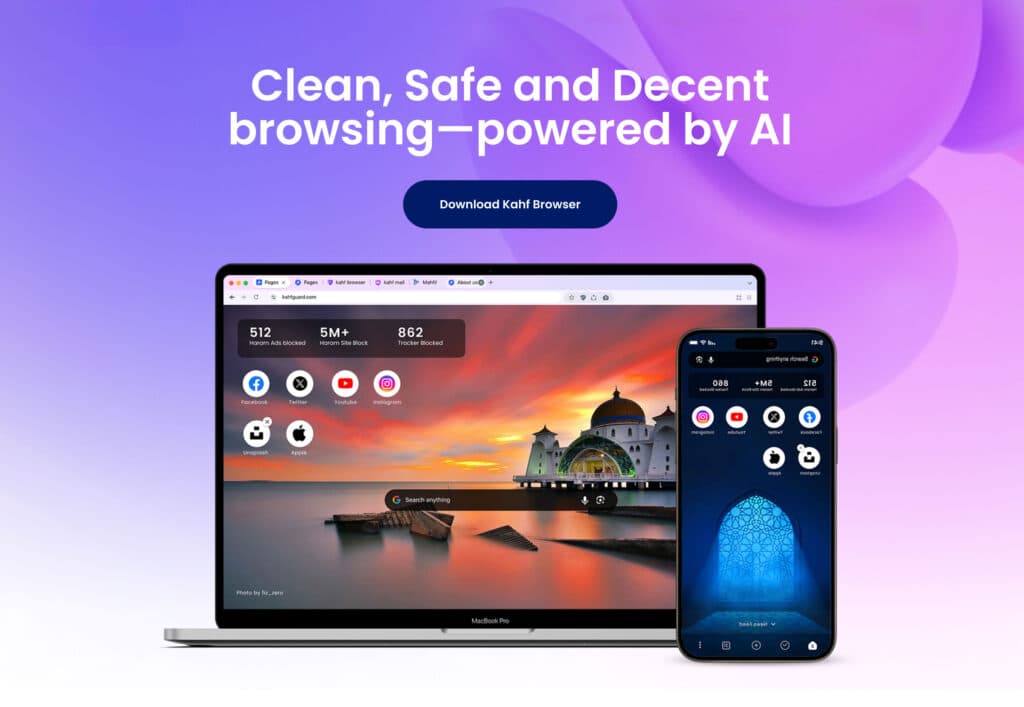
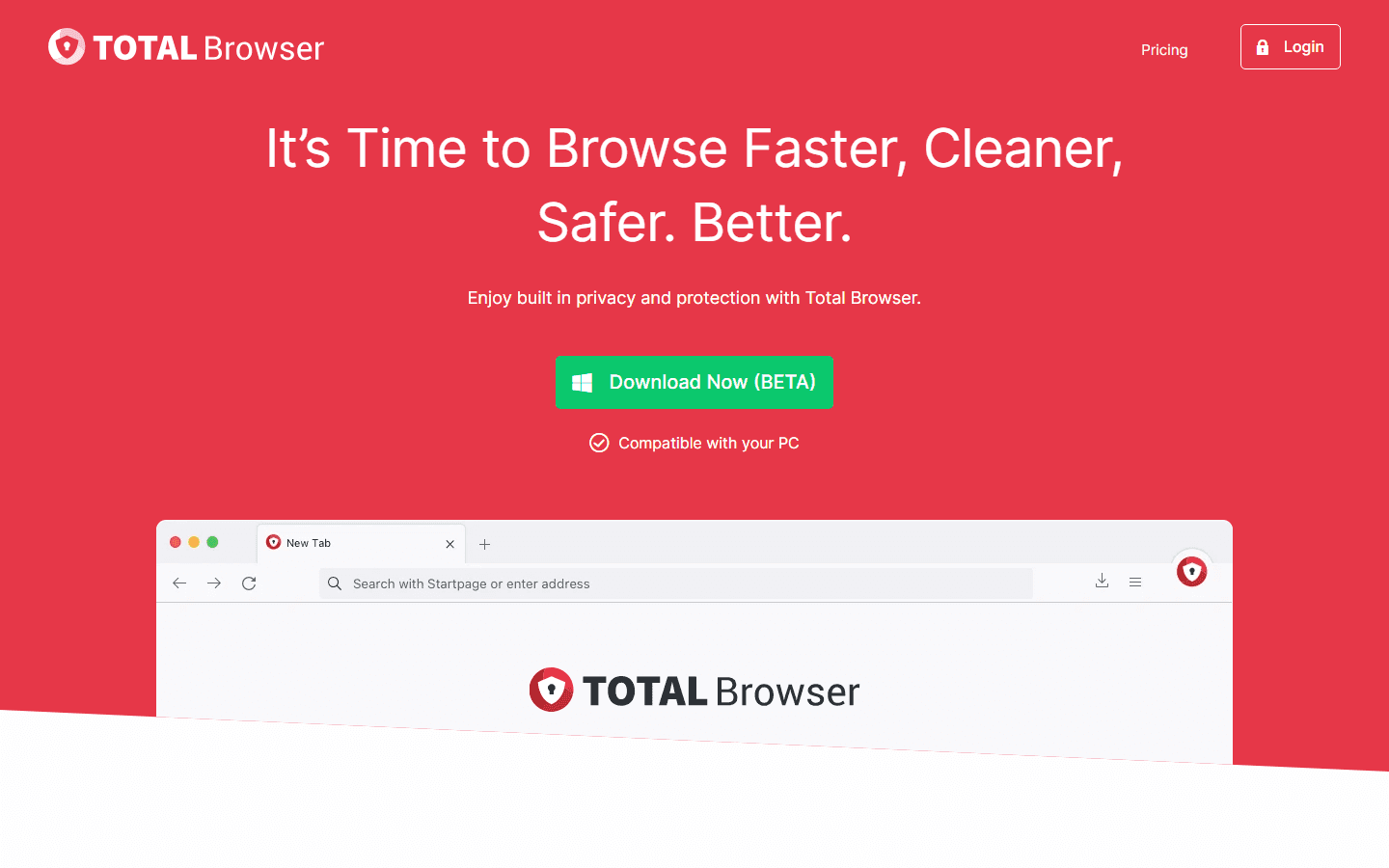
Total Security Browser
A hardened Chromium browser for Total Security Limited in the UK. We built the browser, its installer and its Omaha-based auto-updater.
- Omaha
- Installer
- Security hardening
Custom Chromium and Brave builds
XFII Browser
A branded Brave-based browser with extensions switched off, a custom new-tab page and browser pages built in React.
- Brave
- React
- New-tab page
Custom Chromium and Brave builds
Egon Browser
A Brave-based browser we built for a private client, with its own branding and privacy defaults set to the client’s requirements.
- Brave
- Privacy
- Branding
Our services
Related services



White-label browsers
Plan your branded browser
Tell us your brand, platforms and launch date. We will tell you what fits in a white-label scope and what a first release takes.