Browser Development
How Long Does It Take to Build a Custom Browser?
Published: 2026-09-24 • 7 min read
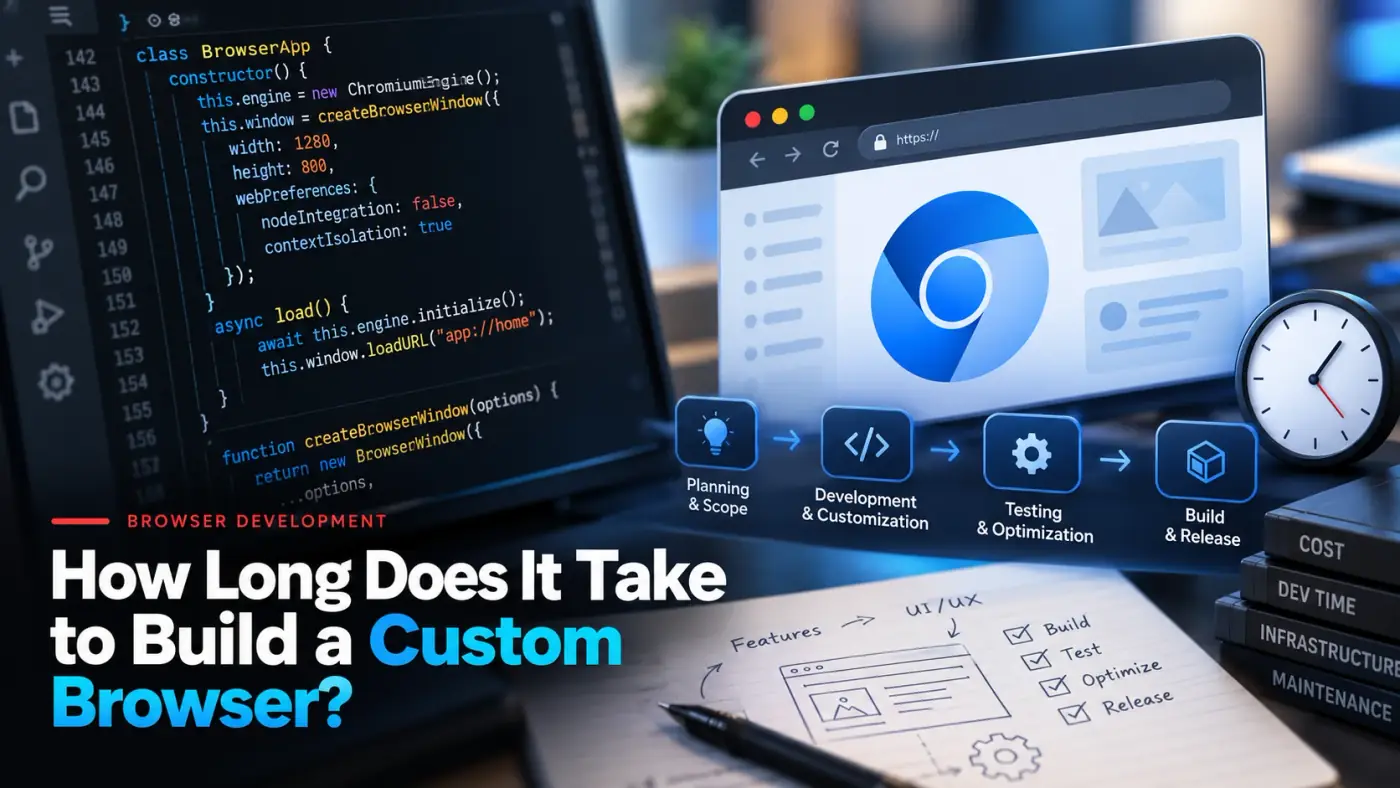
Timelines for custom browsers vary widely because the work varies widely. What stays constant is the sequence of stages. Knowing them tells you where time goes and where a project can be shortened safely.
The stages of a custom browser project
Feasibility
Confirm the idea works at the engine or API level, check whether a lighter option would do, and agree scope.
Build system and first build
Fetch the source, set up the toolchain and CI, and produce a clean, reproducible build on each platform.
Feature engineering
Implement branding, defaults and features as small patches, in milestones with working builds each time.
Hardening and testing
Regression testing on every platform, security review of changes near boundaries, and update-path checks.
Release and maintenance
Signed installers and an update channel for the first release, then rebasing onto each new upstream version.
What makes each stage longer
Build setup
Chromium is very large, so the first working build takes real time and machine resources. Teams that rush it end up with builds only one engineer can reproduce. Doing it properly first shortens everything after it.
Engine-level features
Interface changes are quick to iterate on. Changes in Blink, V8, the network stack or the process model take longer to write and much longer to test, and they carry the most risk on later upgrades.
Extra platforms
Each platform needs its own installer, signing and testing. Shipping on Windows first and adding macOS and Linux in later milestones is a common way to see a working product sooner.
Changing scope
Unclear or shifting requirements are the most common cause of delay in any project. A written feasibility summary and milestone plan up front prevents most of it.
How to shorten the timeline safely
- Start with one platform and add the others in later milestones.
- Separate must-have engine changes from nice-to-have features.
- Use configuration and policy where they are enough, and source patches only where they are not.
- Approve a milestone plan with working builds at each step so problems surface early.
- Consider an extension or embedded browser first if the browser itself is not the product.
The schedule after the first release
Once users install your browser, the calendar is set by upstream. Chromium ships new versions frequently, and both Chromium and Firefox release security fixes between them. Plan the rebase cadence before launch. Our version porting playbook describes the cycle, and our cost guide explains how it affects the budget. The work itself is covered on the Chromium development and version porting pages.
Frequently asked questions
How long does it take to build a custom browser?
It depends on scope. A lightly customized Chromium build with new branding and defaults is typically measured in weeks. A browser with engine-level changes on several platforms is typically measured in months. We give a range after a short feasibility review and a detailed timeline in the written proposal, rather than promising a fixed number up front.
Why is setting up the build such a big step?
Chromium is a very large codebase. Fetching the source, configuring the toolchain and producing a first working build takes significant disk space, memory and time before any feature work starts. Setting up reproducible builds and continuous integration first pays back on every later change.
What slows a browser project down most?
Engine-level changes, extra platforms, unclear requirements and late changes to scope. Changes inside Blink, V8 or the network stack need more testing than interface changes, and each added platform multiplies build, signing and QA work.
Is the project finished at the first release?
No. Chromium and Firefox ship new versions frequently, with security fixes in between, so a browser in production needs ongoing rebasing, testing and signed updates. The first release starts the maintenance schedule rather than ending the project.
Can an extension or embedded browser be built faster?
Usually, yes. If the extension APIs cover your needs, an extension is quicker to build and to maintain than a browser. An embedded browser or a desktop framework can also be faster when the browser itself is not the product.
Planning a browser project?
Tell us what it needs to do. After a short feasibility review you get a written plan with milestones and a realistic range for the timeline.