
Chromium engineering
How to build Chromium from source on Windows, macOS and Linux
By Taha Siddiqui, Chromium Build Engineer
Technically reviewed by Usman Khan, Lead Chromium Developer
Published 7 min read
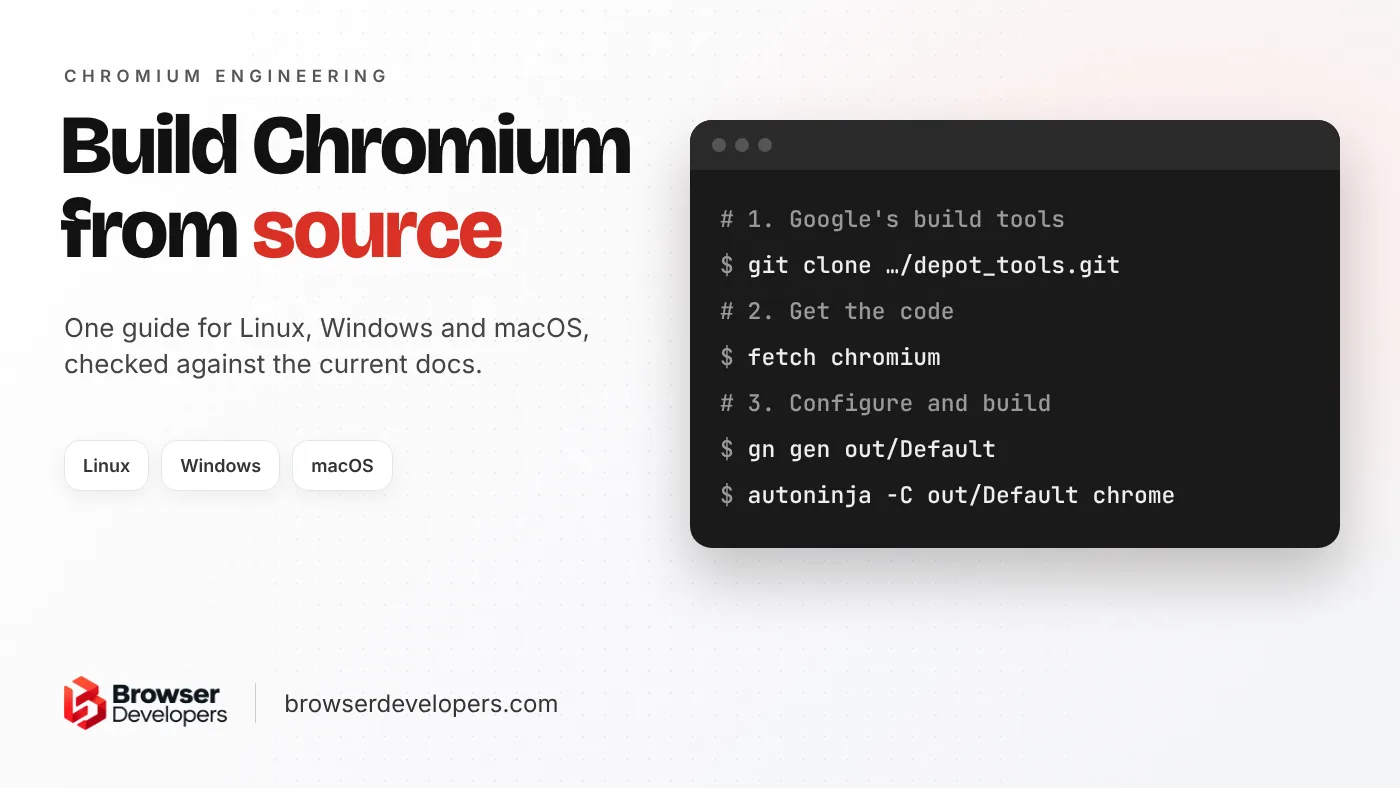
Chromium’s official build instructions are split into one long page per operating system, and many copies of older versions still rank in search. This guide puts all three on one page, checked against the current docs in November 2026, with the speed settings and error fixes in one place. If you only want to read the code, use Chromium Code Search or the source repository. If you want to turn the build into your own browser, read our guide to building your own browser with Chromium after this one.
What do you need to build Chromium from source?
On Linux and Windows, a 64-bit machine with at least 8 GB of RAM (more than 16 GB is highly recommended) and 100 GB of free disk; on macOS, an Intel or Apple Silicon Mac with an APFS volume. You also need Git, Google’s depot_tools and each platform’s toolchain.
| Linux | Windows | macOS | |
|---|---|---|---|
| Machine | x86-64, 8 GB RAM minimum, over 16 GB highly recommended | x86-64, 8 GB RAM minimum, over 16 GB highly recommended | Intel or Apple Silicon Mac |
| Disk | 100 GB free | 100 GB free on NTFS (FAT32 will not work) | An APFS volume |
| OS | Ubuntu best supported (build machines run 22.04) | Windows 10 or newer | A macOS that runs a recent Xcode |
| Toolchain | install-build-deps.sh, Clang | Visual Studio 2026 (18.0 or newer), Windows 11 SDK | Xcode and the macOS SDK |
| Build output | out/Default/chrome | out\Default\chrome.exe | out/Default/Chromium.app |
Sources: Chromium’s build instructions for Linux, Windows and macOS. The Windows page also says the more cores the better, with “20+ is not excessive”, and that 64 GB of RAM is not excessive either. On Linux, with an SSD, it recommends at least 32 GB of swap on an 8 GB machine and 16 GB of swap on a 16 GB machine.
depot_tools
Clone it and add it to PATH.
fetch
Download Chromium and its dependencies.
gn gen
Create a build folder and its settings.
autoninja
Build the chrome target, then run it.
How do you build Chromium on Linux?
Install depot_tools, run fetch --nohooks chromium, run ./build/install-build-deps.sh and gclient runhooks, then gn gen out/Default and autoninja -C out/Default chrome. Ubuntu is the best-supported distribution; Chromium’s build machines run Ubuntu 22.04.
# 1. Install depot_tools in your home folder and keep it on PATH
cd ~
git clone https://chromium.googlesource.com/chromium/tools/depot_tools.git
echo 'export PATH="${HOME}/depot_tools:$PATH"' >> ~/.bashrc
source ~/.bashrc

# 2. Get the code (the path must not contain spaces)
mkdir ~/chromium && cd ~/chromium
fetch --nohooks chromium        # or: fetch --git-cache chromium
cd src

# 3. Install build dependencies and run the hooks
./build/install-build-deps.sh
gclient runhooks

# 4. Configure, build and run
gn gen out/Default
autoninja -C out/Default chrome
out/Default/chrome- Write
${HOME}or the full path in PATH, never~: the Linux docs warn thatgclient runhooksfails otherwise. - Add
--no-historytofetchto skip the full Git history, or use--git-cache, which seeds the checkout from a shared snapshot (about 30 GB) and keeps the history. - The Linux docs say to expect
fetchto take 30 minutes on even a fast connection, and many hours on slower ones. autoninjaruns Siso, Chromium’s main build tool, with the right settings for your machine. The default build folder is a debug component build.
How do you build Chromium on Windows?
Install Visual Studio 2026 with the C++ desktop workload and MFC/ATL, plus the Windows 11 SDK. Add depot_tools to the front of PATH, set DEPOT_TOOLS_WIN_TOOLCHAIN=0, run fetch chromium on an NTFS drive, then gn gen and autoninja as on Linux.
PATH_TO_INSTALLER.EXE ^
--add Microsoft.VisualStudio.Workload.NativeDesktop ^
--add Microsoft.VisualStudio.Component.VC.ATLMFC ^
--includeRecommended- Toolchain: the Windows docs require Visual Studio 2026 (18.0.0 or newer) with “Desktop development with C++” and MFC/ATL, the Windows 11 SDK version 10.0.28000.2270, and SDK Debugging Tools 10.0.26100.3323 or newer.
- depot_tools: clone it to a folder such as
C:\src\depot_tools, put it at the front of PATH, ahead of any Python or Git, and setDEPOT_TOOLS_WIN_TOOLCHAIN=0so it uses your Visual Studio. Rungclientonce fromcmd.exe, not PowerShell. - Git settings: the docs list
core.autocrlf false,core.filemode falseand others before you fetch, and suggestcore.longpaths true. - Fetch:
fetch chromiumtakes over an hour on a fast connection. Stop the PC from sleeping while it runs; if it fails part-way,gclient syncinsrccan often finish it.
mkdir chromium && cd chromium
fetch chromium
cd src
gn gen out\Default
autoninja -C out\Default chrome
out\Default\chrome.exe
How do you build Chromium on macOS?
On an Intel or Apple Silicon Mac with Xcode and the macOS SDK on an APFS volume, install depot_tools, run caffeinate fetch chromium, then gn gen out/Default and autoninja -C out/Default chrome. The result is out/Default/Chromium.app.
git clone https://chromium.googlesource.com/chromium/tools/depot_tools.git
# macOS docs: add it to the END of PATH, with the absolute path
export PATH="$PATH:/absolute/path/to/depot_tools"

mkdir chromium && cd chromium
caffeinate fetch chromium
cd src
gn gen out/Default
autoninja -C out/Default chrome
out/Default/Chromium.app/Contents/MacOS/Chromiumcaffeinatestops the Mac from sleeping during the long download. It is optional.- The macOS docs say the SDK version in
build/config/mac/mac_sdk.gniis guaranteed to work, and a newer SDK usually works too. The easiest way to get the newest SDK is the newest Xcode. - If every new build asks for keychain access or network permission, run it with
--use-mock-keychain --disable-features=DialMediaRouteProvider.
How long does it take to build Chromium?
Chromium’s docs do not publish a full-build time, because it depends on cores, RAM, disk and build settings. The download alone takes about 30 minutes on a fast connection on Linux and over an hour on Windows. After the first build, only changed files are rebuilt.
We do not quote one number either, for the same reason. What the docs do say:
- The download takes about 30 minutes on a fast connection on Linux, and over an hour on Windows.
- The Linux docs include one “quick and dirty” benchmark where building in RAM (tmpfs) cut a build from 15m40s to 12m20s on an HP Z600 (16 hyperthreaded cores, 12 GB RAM). The docs don’t say what was built or when, so treat it as the effect of building in RAM, not a build-time estimate.
- Full rebuilds take about the same time in debug and release on macOS, but linking is much faster in release builds.
To see where your time goes, set NINJA_SUMMARIZE_BUILD=1 before running autoninja. The Windows docs show it printing the slowest build steps when the build finishes.
How can you make a Chromium build faster?
Use a component build, cut debug symbols (symbol_level, blink_symbol_level, v8_symbol_level), build only the chrome target, put the checkout on an SSD and exclude it from antivirus or Spotlight. On Linux you can also use remote execution.
is_debug = false            # release: much faster linking
is_component_build = true   # many small libraries: faster incremental builds
symbol_level = 0            # no debug symbols: faster compiling and linking
blink_symbol_level = 0      # skip Blink symbols if you won't debug Blink
v8_symbol_level = 0 # skip V8 symbols if you won't debug V8- Build only what you need: pass
chromeas the target so test binaries are not built too. - Fast disk, no scanning: keep the checkout on an SSD. On Windows, exclude it from antivirus; the docs call Windows Defender “a frequent culprit”. On macOS, exclude it from Spotlight.
- Remote execution: Siso can send build steps to any REAPI-compatible backend, and the Linux docs explain how. The Windows and macOS docs say Google’s RBE service for external contributors (rbe-chromium-untrusted) does not support Windows or Mac builds.
- Apple Silicon:
use_lld = falseswitches to Apple’s linker, which the macOS docs say improves link speed for local arm64 builds.
Changing symbol_level forces everything to recompile, as the Windows docs warn, so choose your settings before the first build rather than after it.
What are common Chromium build errors, and how do you fix them?
The usual ones are running out of memory while linking, a FAT32 drive on Windows, the wrong Python ahead of depot_tools on Windows, and antivirus or Spotlight slowing the build. Each has a documented fix, listed below.
| Problem | Fix |
|---|---|
| Linker crashes or “LLVM ERROR: out of memory” | Set is_debug = false and symbol_level = 0; on Linux official builds, raise vm.max_map_count to 262144 |
| Checkout fails on Windows | Use an NTFS drive: some Git packfiles are larger than 4 GB, so FAT32 will not work |
| Wrong Python or Git used on Windows | Put depot_tools first in PATH; where python3 should show depot_tools first |
| Very slow Windows build | Exclude the checkout from Windows Defender and indexing |
| Slow macOS build | Exclude the checkout from Spotlight indexing |
| Fetch fails part-way through the sub-repos | Run gclient sync in the src folder to finish it |
The fixes come from the Linux, Windows and macOS build docs.
What should you do after your first Chromium build?
Keep it updated with git rebase-update and gclient sync, switch to a release configuration when you need a fast, small binary, and build an installer when you want to ship it. If you are making your own browser, rebranding comes next.
git rebase-update
gclient sync          # the Windows docs use: gclient sync -D
Keeping a fork building is ongoing work. When we moved GTX Browser from Chromium 98 to 114, sixteen major releases, files moved, APIs were renamed and build rules changed along the way, so every custom patch had to be re-applied, fixed and tested again.
- Official (shipping) builds:
is_official_build = trueturns on all optimizations and gives a smaller binary. - A Windows installer:
autoninja -C out\Default mini_installerbuilds a self-contained installer. - Your own browser: the next step is changing the name, icons and app IDs. Our white-label browser guide covers every file, and how long it takes to build a custom browser covers the schedule.
Final takeaway
Building Chromium is four commands once the machine is ready. The time goes into the setup and the first build, so get the toolchain right, choose your build settings before you start, and keep the checkout on a fast disk that nothing else is scanning.
Frequently asked questions
Do I need Google API keys to build Chromium?
No. Chromium’s build docs call API keys optional: you only need them if you want your build to talk to some Google services. Building, running and testing Chromium works without them.
Can I build Chromium with GCC instead of Clang?
Clang is the only officially supported compiler, and libc++ the only supported standard library. Chromium’s Linux docs say community members generally keep the build working with GCC, but it is not officially supported.
Is a Chromium build the same as Google Chrome?
No. By default you get Chromium, with open-source Chromium branding. Chrome’s logo and branded assets are trademarks kept out of the open-source code, so a Google Chrome branded build needs Google’s internal src-internal checkout.
Turning a Chromium build into a product?
We build custom Chromium browsers end to end: branding, features, signed installers, auto-update and the upgrades after launch. See our custom Chromium browser development service.