
Extensions
Manifest V2 to V3 migration: a practical checklist
By Arsalan Khan, Manifest V3 Developer
Technically reviewed by Bilal Ahmed, Lead Chrome Extension Developer
Published 8 min read
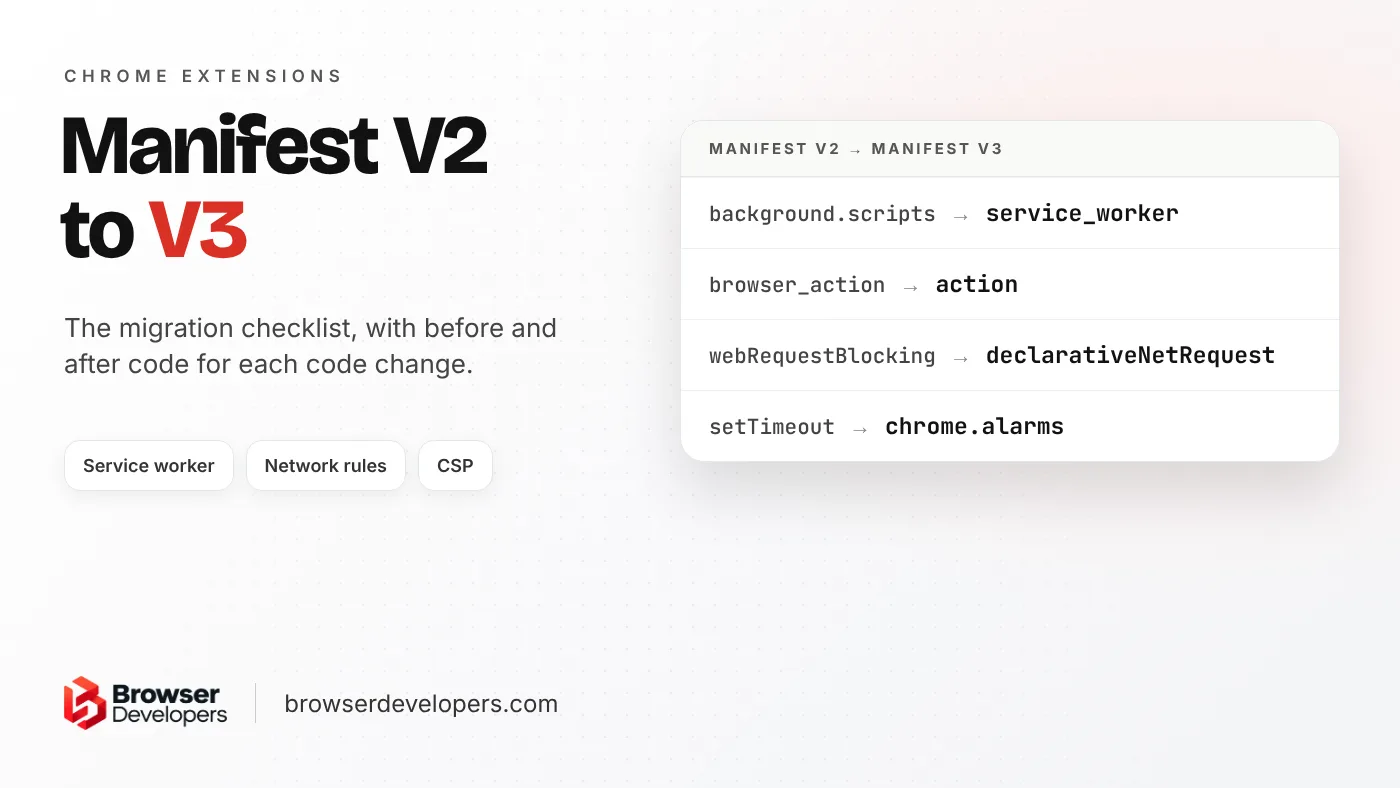
Chrome’s own migration docs are good but spread over many pages. This post puts the whole migration on one page, in order, with before and after code for each code change, plus the parts the Chrome docs leave out: one manifest that also works in Firefox, and where Edge stands. For the ideas behind Manifest V3, read our Manifest V3 guide.
Do you still need to migrate from Manifest V2 to V3?
Yes, for Chrome. Chrome 138 disabled Manifest V2 extensions for all users in July 2025, and the last ones were removed from the Chrome Web Store on August 31, 2026. Edge has not set a date to stop running them, but stopped accepting new ones in 2022 and expects enterprise deprecation to begin in early 2027.
- Chrome: the Manifest V2 timeline says Chrome 138 disabled Manifest V2 extensions for all users on July 24, 2025, the enterprise policy that kept them running was removed in Chrome 139, and all remaining Manifest V2 extensions left the store on August 31, 2026.
- Edge: Microsoft’s Manifest V3 timeline says Partner Center (Microsoft’s developer dashboard) stopped accepting new Manifest V2 extensions in July 2022, started showing deprecation warnings in 2026, and expects deprecation for enterprise customers to begin in early 2027.
What are the steps to migrate a Chrome extension to Manifest V3?
Update the manifest, move the background page to a service worker, replace old API calls, rebuild request blocking with declarativeNetRequest, remove remote code and fix the content security policy, then test and publish a beta before the full release.
Manifest
Version 3, host_permissions, action, web_accessible_resources.
Service worker
Top-level listeners, storage, alarms, offscreen.
API calls
chrome.scripting, chrome.action, promises.
Network rules
declarativeNetRequest instead of blocking webRequest.
Security
No remote code, no eval, new CSP format.
Test and release
Beta first, then a gradual rollout.
The order follows Chrome’s migration checklist. Do not add new features on the way: Chrome’s migration guide recommends against it, because new permissions show users a warning that disables the extension until they accept.
What changes in manifest.json?
Chrome’s manifest migration page covers the version, host permissions and web accessible resources:
{
  "manifest_version": 2,
  "permissions": ["tabs", "bookmarks", "https://www.blogger.com/"],
  "browser_action": { "default_popup": "popup.html" },
  "web_accessible_resources": ["images/*", "style/extension.css"]
}{
"manifest_version": 3,
"permissions": ["tabs", "bookmarks"],
"host_permissions": ["https://www.blogger.com/"],
"action": { "default_popup": "popup.html" },
"web_accessible_resources": [
{ "resources": ["images/*"], "matches": ["*://*/*"] },
{ "resources": ["style/extension.css"], "matches": ["https://example.com/*"] }
]
}- Site patterns move out of
permissionsintohost_permissions. browser_actionandpage_actionbecome oneactionkey, as the API calls page shows.web_accessible_resourcesbecomes a list of objects, so you can limit each file to the sites that need it.
How do you move a background page to a service worker?
Point background.service_worker at one script, register every event listener at the top level, keep state in chrome.storage instead of global variables, replace timers with chrome.alarms, and move anything that needs the DOM into an offscreen document.
Chrome’s service worker migration page starts with the manifest:
// Manifest V2
"background": {
  "scripts": ["backgroundContextMenus.js", "backgroundOauth.js"],
  "persistent": false
}

// Manifest V3: one file, no "persistent"
"background": {
  "service_worker": "service_worker.js",
  "type": "module"
}
service_worker takes one file, not a list. Add "type": "module" only if you use ES modules (import); otherwise load other files with importScripts(). Then change the code:
- Register listeners at the top level. Listeners added inside a callback or promise can be missed when Chrome restarts the service worker.
- Keep state in storage. Global variables are reset when the worker stops. Chrome’s lifecycle page says that can happen after 30 seconds without activity.
- Replace timers with alarms. A
setTimeoutdies with the worker; an alarm wakes it. - Replace
localStorage. It does not exist in a service worker. Usechrome.storage.local. - Use
fetch(), notXMLHttpRequest. - Move DOM work to an offscreen document, such as clipboard access or parsing HTML.
// Before (background page): a global and a timer
let savedName;
chrome.runtime.onMessage.addListener((msg) => { savedName = msg.name; });
setTimeout(updateIcon, 3 * 60 * 1000);

// After (service worker): storage and an alarm, listeners at the top level.
// Needs "storage" and "alarms" in "permissions".
chrome.runtime.onMessage.addListener(({ name }) => {
  chrome.storage.local.set({ name });
});
chrome.alarms.onAlarm.addListener((alarm) => {
  if (alarm.name === 'update-icon') updateIcon();
});
// This file runs every time the worker starts. Only create the alarm if it is
// missing, or each restart would cancel and replace it.
chrome.alarms.get('update-icon').then((alarm) => {
  if (!alarm) chrome.alarms.create('update-icon', { delayInMinutes: 3 });
});
Chrome’s alarms reference says creating an alarm with an existing name cancels and replaces it, and recommends checking that important alarms exist each time the service worker starts. Users who update also keep whatever the old version saved in localStorage: copy it to chrome.storage once, through an offscreen document, as the service worker migration page describes.
How do you share one background script between Chrome and Firefox?
Firefox does not support background.service_worker; it runs background scripts as event pages. MDN’s background key reference recommends listing both, so each browser uses the one it supports:
"background": {
  "scripts": ["background.js"],
  "service_worker": "background.js"
}
Chrome only ignores scripts in a Manifest V3 extension from Chrome 121, so set minimum_chrome_version to 121 or later if you use this. Other browser differences usually need a small per-browser build step; our Manifest V3 guide covers them.
How do you replace tabs.executeScript and browserAction in Manifest V3?
Use chrome.scripting.executeScript with a target object, which needs the scripting permission plus host permissions or activeTab, and use chrome.action in place of browserAction and pageAction. Several other old calls move to runtime and tabs.query.
// Manifest V2
chrome.tabs.executeScript(tab.id, { file: 'content-script.js' });

// Manifest V3: needs the "scripting" permission plus host permissions or activeTab
chrome.scripting.executeScript({
  target: { tabId: tab.id },
  files: ['content-script.js'],
});| Manifest V2 | Manifest V3 |
|---|---|
| tabs.executeScript() | scripting.executeScript() |
| tabs.insertCSS() / removeCSS() | scripting.insertCSS() / removeCSS() |
| browserAction / pageAction | action |
| extension.getURL() | runtime.getURL() |
| extension.sendRequest() / sendMessage() | runtime.sendMessage() |
| tabs.getSelected() / getAllInWindow() | tabs.query() |
| extension.getBackgroundPage() | No direct replacement: use messaging |
The list comes from Chrome’s API calls page. It also says Manifest V3 APIs return promises, so callbacks can become await, and that the action API has no show() or hide().
How do you replace blocking webRequest in Manifest V3?
Swap the webRequestBlocking permission for declarativeNetRequest and turn each blocking listener into a rule: a condition that matches requests and an action such as block or redirect. Chrome then applies the rules itself, without running your code per request.
// Manifest V2: code runs on every matching request
chrome.webRequest.onBeforeRequest.addListener(
  () => ({ cancel: true }),
  { urls: ['https://www.example.com/*'] },
  ['blocking']
);

// Manifest V3: a rule in rules.json, permission "declarativeNetRequest"
[
  {
    "id": 1,
    "priority": 1,
    "action": { "type": "block" },
    "condition": { "urlFilter": "||example.com", "resourceTypes": ["main_frame"] }
  }
]

// manifest.json: register the rule file
"declarative_net_request": {
  "rule_resources": [{ "id": "ruleset_1", "enabled": true, "path": "rules.json" }]
}
Chrome’s blocking web requests page says to replace webRequestBlocking with declarativeNetRequest in permissions, and that blocking alone does not need host permissions. The declarativeNetRequest reference shows how rule files are registered. The migration page has rules for redirects and for blocking cookies. Non-blocking webRequest listeners that only observe requests still work.
What Manifest V3 security changes break old extensions?
Manifest V3 forbids remotely hosted code and running strings as code with eval(), new Function() or code strings in executeScript. The content security policy becomes an object, and script-src only allows self, none and wasm-unsafe-eval.
// Manifest V2: a string
"content_security_policy": "default-src 'self'"

// Manifest V3: an object
"content_security_policy": {
  "extension_pages": "default-src 'self'",
  "sandbox": "..." // only needed if you use sandboxed pages
}- No remotely hosted code. Chrome’s security page says all of the extension’s logic must be in the package. Bundle libraries you load from a CDN, and move logic you used to download into config files or a server you call.
- No strings run as code.
eval(),new Function()and code strings inexecuteScriptare blocked.eval()andnew Function()still work inside sandboxed iframes. - Stricter CSP. In
extension_pages,script-src,object-srcandworker-srconly allowself,none,wasm-unsafe-evaland, for unpacked extensions, localhost.
How do you test and release a migrated extension?
Test with the service worker stopping between events, publish a clearly labelled beta to testers or as unlisted, then release. Extensions with more than 10,000 active users can roll the new version out to a percentage of users first.
- Test the stops. Use the extension after leaving it idle, not only in a long debug session where the service worker happens to stay alive. Check every listener still fires and no state is lost.
- Label the beta. Chrome’s publishing advice says to add “BETA” to the name and “THIS EXTENSION IS FOR BETA TESTING” to the description, or the beta can be rejected as repetitive content. Share it with trusted testers, a Google Group or an Unlisted link.
- Roll out gradually. Extensions with more than 10,000 active users can publish to a percentage of existing users and raise it later without another review.
For the submission steps, see our guide on how to publish a Chrome extension.
How hard is a Manifest V2 to V3 migration?
That comes down to what the old extension uses. In our experience, page logic and popups port with small changes. Persistent background state, blocking webRequest and code loaded from a server take most of the work, because they must be redesigned.
| If the V2 extension… | Migration work |
|---|---|
| Only runs content scripts and a popup | Mostly manifest changes and API renames |
| Keeps state or timers in a background page | Rework state into storage and timers into alarms |
| Uses the DOM in the background page | Add an offscreen document |
| Blocks or changes requests with webRequest | Rebuild the logic as declarativeNetRequest rules |
| Loads code from a server or uses eval() | Redesign: bundle it, or move it behind a server API |
On our own migration work, we map each removed capability to its Manifest V3 replacement before we write any code, so the hard parts show up in the estimate rather than halfway through. We also test the cases users actually hit, such as an idle browser, a revoked permission or a strict site, before release.
For budgets, see how much it costs to build a Chrome extension, which covers when updating an old extension is cheaper than starting again.
Final takeaway
A Manifest V3 migration is mostly mechanical until it reaches three things: background state, request blocking and remote code. Find which of those your extension uses before you start, migrate without adding features, and ship a labelled beta before the full release.
Frequently asked questions
Is there a tool that converts a Manifest V2 extension to V3 automatically?
Google’s Extension Manifest Converter on GitHub handles part of the manifest work. Chrome’s guide says it “does not do everything for you, but it will get you started”. The background, network and remote code changes still need hand work.
Can a Manifest V3 extension still use blocking webRequest in Chrome?
Only when it is installed by enterprise policy. Chrome’s docs say the webRequestBlocking permission is still available in Manifest V3 for policy-installed extensions. Extensions installed from the Chrome Web Store must use declarativeNetRequest. Firefox still allows blocking webRequest for all extensions.
Which Chrome versions support Manifest V3?
Chrome’s service worker migration page says Manifest V3 is generally supported in Chrome 88 or later. Some APIs arrived in later versions, so check the API reference and set minimum_chrome_version in the manifest if you rely on a newer one.
How do you keep users’ settings that were saved in localStorage?
Copy them over once. Chrome’s service worker migration page suggests checking chrome.storage for the data first; if it is missing, open an offscreen document, read the old localStorage values there and send them to chrome.storage.
Need an old extension moved to Manifest V3?
We rebuild Manifest V2 extensions on Manifest V3, mapping each removed capability to its replacement first. See our Chrome extension development service.