Chromium engineering
Chromium forks list: the major Chromium browsers and how they differ
By Hamza Ali, Senior Chromium Developer
Technically reviewed by Usman Khan, Lead Chromium Developer
Published 6 min read
Lists of Chromium-based browsers are everywhere, but many stop at the name. This one says what each browser actually changes, with a source for every row, and explains what separates them. We build Chromium browsers for clients, so we also cover how forks are kept up to date. For the background, read our guide to Chromium browser development.
What is a Chromium-based browser?
A Chromium-based browser is built from Chromium, Google’s open-source browser project, so it uses the same Blink rendering engine and V8 JavaScript engine as Chrome. Each company then changes the name, interface, default settings, services and features on top.
What every Chromium-based browser shares, and what it changes
Brand and interface
Name, logo, tabs, sidebar, menus and new tab page.
Defaults and built-in features
Search engine, privacy settings, ad blocking, wallets, AI tools.
Services
Accounts, sync, crash reports and the update server.
Chromium
Blink rendering engine, V8 JavaScript engine, networking and the security sandbox.
Operating system
Windows, macOS, Linux, Android.
- Each browser’s own layer
- Upstream: third-party code we build on
- Platforms and release
Which browsers are based on Chromium?
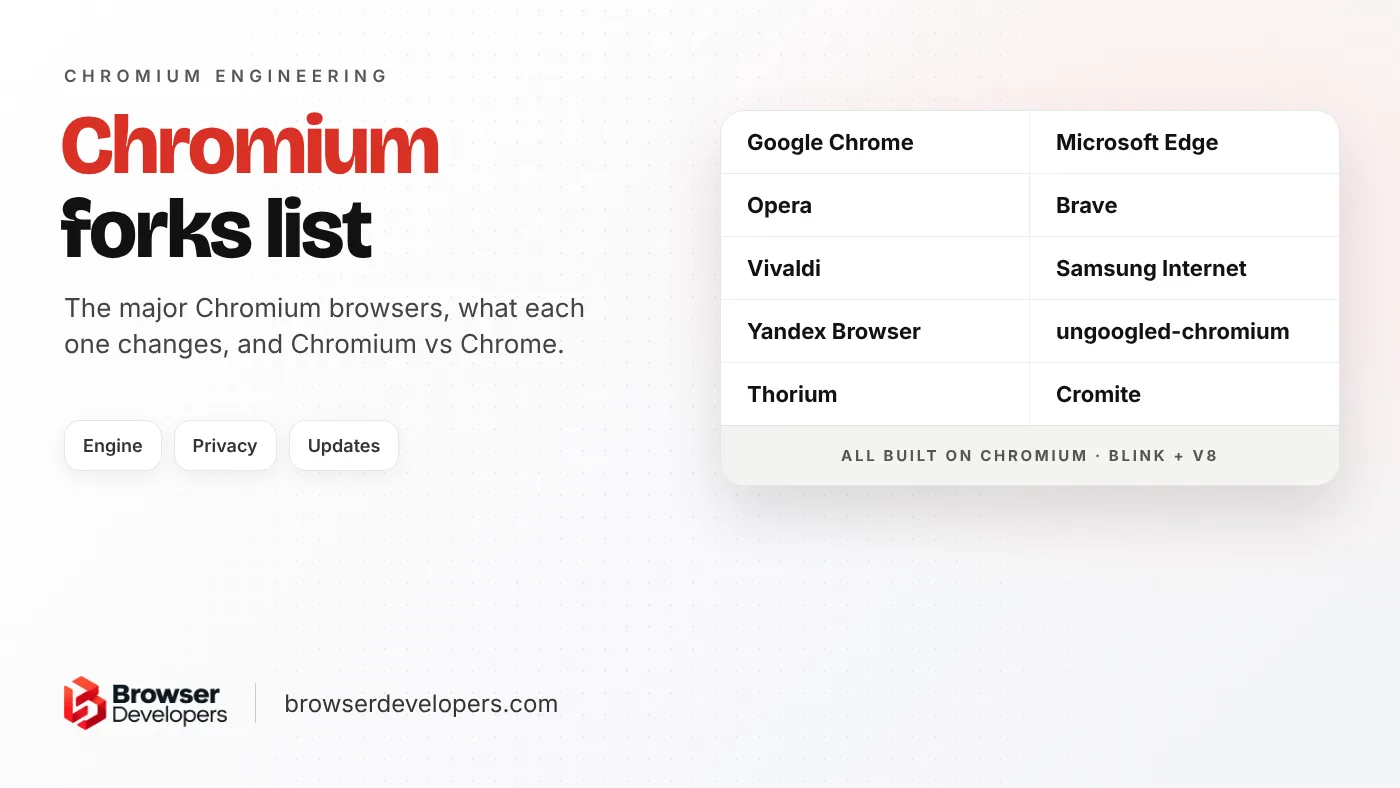
The best-known Chromium-based browsers are Google Chrome, Microsoft Edge, Opera, Brave, Vivaldi, Samsung Internet and Yandex Browser, plus ungoogled-chromium for people who want Chromium without Google services. Many company and product browsers are Chromium-based too.
| Browser | Maker | What it changes on top of Chromium |
|---|---|---|
| Google Chrome | Google branding, H.264 and AAC codecs, opt-in crash and usage reports, Google API keys | |
| Microsoft Edge | Microsoft | Rebuilt on Chromium (released January 2020); Microsoft’s own interface and services |
| Opera | Opera | Chromium-based since Opera 15 (2013); its own interface and features |
| Brave | Brave Software | Patches, APIs and scripts on top of Chromium; its own ad-blocking engine |
| Vivaldi | Vivaldi Technologies | About 92% Chromium code, 3% its own open code, 5% closed-source interface |
| Samsung Internet | Samsung | Samsung’s Android browser; version 15.0 (2021) was based on Chromium M90 |
| Yandex Browser | Yandex | Chromium-based, with Yandex as the default search engine (per Yandex’s own post) |
| ungoogled-chromium | Community project | Chromium with Google web services and Safe Browsing removed, and Google domains replaced and blocked |
Sources for each row:
- Chrome: Chromium’s own Chrome vs Chromium page.
- Edge: Microsoft’s January 15, 2020 announcement of the Edge it rebuilt on Chromium.
- Opera: Opera’s own site describes Opera as “a Chromium-based browser”, and PCWorld’s Opera 15 review covered the 2013 release that moved desktop Opera to Blink, Chromium’s rendering engine.
- Brave: the brave-core repository, licensed MPL-2.0.
- Vivaldi: Vivaldi’s post on why it isn’t fully open source.
- Samsung Internet: Samsung’s 15.0 beta announcement.
- Yandex Browser: Yandex’s company blog.
- ungoogled-chromium: the project’s README.
The list keeps growing because Chromium is open source: many smaller and company browsers are built on it too. Some of them are ours, covered further down.
Which community Chromium forks are there?
Well-known community forks include ungoogled-chromium (Chromium without Google services), Thorium (optimized builds with extra codecs), Cromite (a Bromite-based fork with ad blocking and anti-tracking changes) and Supermium (Chromium for older Windows versions, from Windows XP up).
| Fork | What it changes | Platforms |
|---|---|---|
| ungoogled-chromium | Removes Google web services and Safe Browsing | Desktop |
| Thorium | Optimized builds, extra media codecs, uBlock Origin preinstalled, Manifest V2 support | Desktop |
| Cromite | Based on Bromite: built-in ad blocking and anti-tracking changes | Android, Windows, Linux |
| Supermium | Keeps Chromium running on old Windows, from Windows XP up | Windows |
Sources: the project pages for ungoogled-chromium, Thorium, Cromite and Supermium. Small community forks depend on a few maintainers, so check how quickly each one ships Chromium security updates before you rely on it.
What is the difference between Chromium and Chrome?
Chrome is Chromium built, packaged and distributed by Google. On Linux, Chromium’s own docs list what Google adds: its colorful logo, crash reports and usage statistics (only if you turn them on), the H.264 and AAC codecs, Google API keys and releases tested before they reach users.
| Chromium | Google Chrome | |
|---|---|---|
| Logo | Blue | Colorful |
| Crash reports | Never sent | Sent only if turned on |
| Usage statistics | Never sent | Only if turned on |
| Video codecs | AV1, VP8, VP9 | Adds H.264 |
| Audio codecs | MP3, Opus, Vorbis, FLAC, WAV and others | Adds AAC |
| Google API keys | Depend on who built it | Added by Google |
| Profile folder | ~/.config/chromium | ~/.config/google-chrome |
The table comes from Chromium’s Chrome vs Chromium page, which describes the Linux versions. In short, Chrome is the Chromium project “built, packaged, and distributed by Google”. A separate Chromium page on Chrome-branded builds explains that Chrome’s logo and related assets are a trademark kept out of the open-source license.
How do Chromium-based browsers differ from each other?
Mostly in the layers above the engine: the interface, default privacy settings, built-in features such as ad blocking, the accounts and sync service, and how fast they ship Chromium updates. The engine underneath is largely the same.
- Interface: tabs, sidebars, menus and settings pages. Vivaldi, for example, keeps its interface layer closed source while publishing its Chromium changes.
- Privacy defaults: what is blocked, what is sent home, and which Google services are removed. ungoogled-chromium removes them all; Brave adds its own blocking engine.
- Accounts and sync: Chromium’s API keys page says Google sign-in is restricted for browsers built from Chromium, so each browser runs its own sync, or none.
- Update speed: each browser decides how quickly it ships new Chromium releases, and with them, security fixes. Chrome now ships a new major version every two weeks; our post on Chrome’s two-week release cycle explains what that means for everyone else.
Which browsers are not based on Chromium?
Firefox uses Mozilla’s Gecko engine, and Safari uses Apple’s WebKit. Browsers built on those engines, such as Firefox forks, are not Chromium-based. On iPhone and iPad, most browsers have to use WebKit in most countries.
Mozilla describes Gecko as its rendering engine for the web, used by Firefox. The WebKit project says it is the engine used by Safari. On iOS, Apple’s App Store guideline 2.5.6 requires browsers to use WebKit outside the EU and Japan, so even Chrome on iPhone uses WebKit there. If you are choosing an engine to build on, see Firefox vs Chromium for a custom browser.
What is a Chromium fork, and how do companies keep one up to date?
A Chromium fork is a browser that keeps its own changes on top of Chromium’s code. To stay secure, the team has to reapply those changes to each Chromium release it moves to, which is why most forks keep their changes small and well separated.
Brave’s approach is public and a common pattern: brave-core sits inside a Chromium checkout, pins a Chromium version and keeps its changes as patches and separate code. Each new Chromium release means syncing to it and reapplying those patches. Our fork maintenance playbook explains how teams plan that work. We know it first-hand: on GTX Browser we moved a fork from Chromium 98 to 114, sixteen major releases, re-applying and repairing every custom patch.
Can you build your own Chromium-based browser?
Yes. Chromium is open source, so any company can build a browser on it with its own name, features and defaults. The work is in the release system and in keeping up with Chromium releases after launch, not the first build.
The browsers we have built on Chromium show the range:
- Kahf Browser: a Chromium browser for Muslim families that blurs explicit images with AI as pages load.
- Max: a no-logs Chromium browser with anti-censorship features and blocking of big-tech tracking.
- ORBITi: a Web3 browser with its own orbit:// URL scheme, BlockCerts sign-in and built-in chat.
- Total Security Browser: a hardened Chromium browser with its own installer and Omaha-based auto-updater.
To start, read how to build your own browser with Chromium and how to rebrand Chromium.
Final takeaway
The browsers in this list share one engine. What makes them different is the interface, the defaults, the services and how quickly each team ships Chromium’s updates. That last part is in our experience the main ongoing cost of owning a Chromium-based browser.
Frequently asked questions
Is Microsoft Edge based on Chromium?
Yes. Microsoft rebuilt Edge on the Chromium open-source project, and the new Edge became available to download on January 15, 2020.
Is Brave a fork of Chromium?
Yes. Brave’s brave-core repository describes itself as a set of changes, APIs and scripts used to customize Chromium into the Brave browser. It keeps patches on top of a pinned Chromium version and adds features such as its own ad-blocking engine.
Is ungoogled-chromium safe to use?
It is open source and tracks Chromium, but it removes Google services, including Safe Browsing, Google’s protection against known dangerous sites. That trade is deliberate. Decide whether you want that protection before you switch.
Want your own Chromium-based browser?
We build custom Chromium browsers end to end: branding, features, privacy defaults, signed installers, auto-update and the Chromium upgrades after launch. See our custom Chromium browser development service.