
Chromium engineering
How to build an enterprise browser: policies, DLP and SSO
By Yasir Ahmed, Browser Security Engineer
Technically reviewed by Ahmed Raza, Head of Browser Development
Published 8 min read
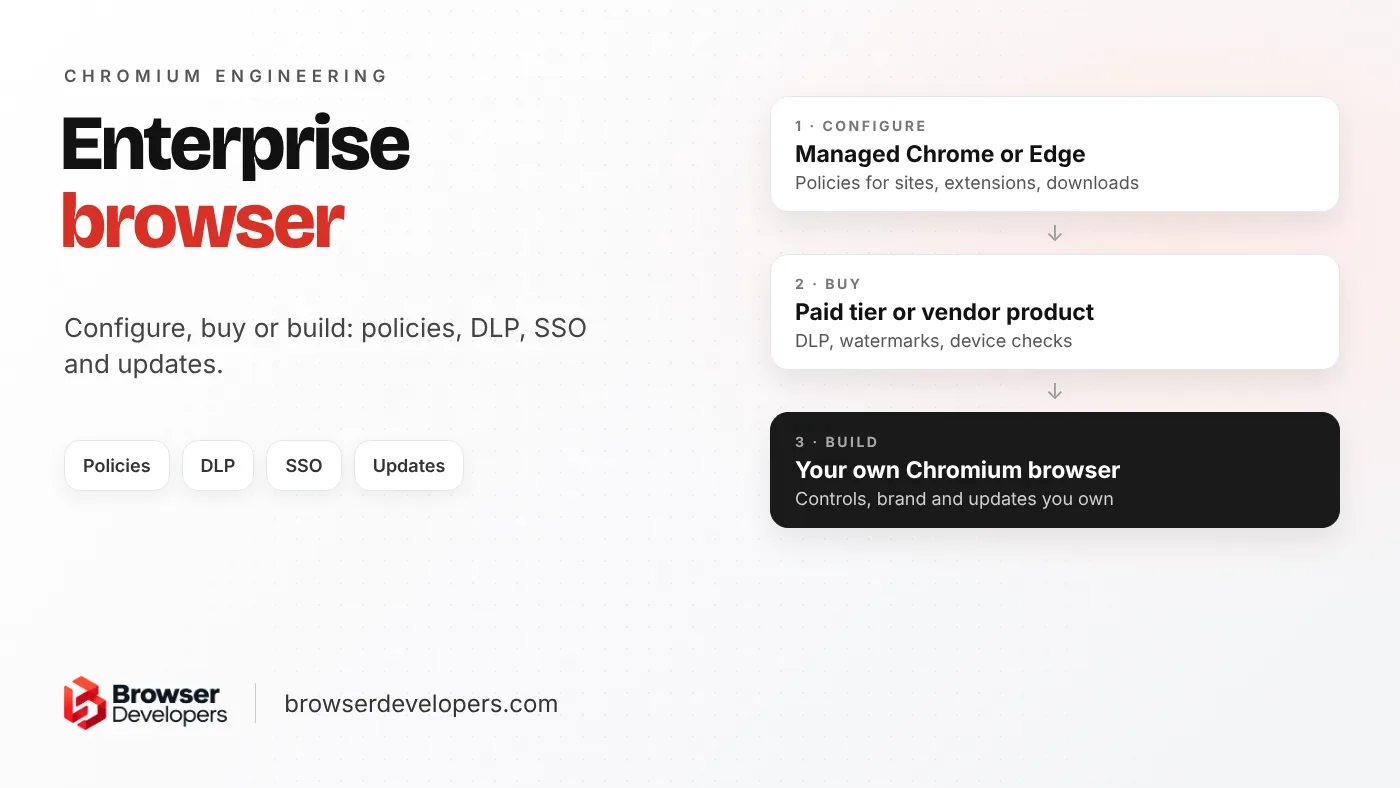
Search for “enterprise browser” and almost every result is a vendor selling one. That is useful if you are buying. This guide is for the other question: what an enterprise browser actually has to do, how far Chrome and Edge get you, and when building your own is worth it. For the full Chromium build process, see our guide to building your own browser.
What is an enterprise browser?
An enterprise browser is a browser the company controls, not the user. IT sets which sites, extensions, downloads and copy actions are allowed, ties sign-in to the company identity, and gets a record of what happened. It can be managed Chrome or Edge, a vendor product, or a browser you build.
| Option | What it is | Best for |
|---|---|---|
| Managed Chrome or Edge | The normal browser with policies set by IT | Staff on company devices |
| Paid tier | Chrome Enterprise Premium or Edge with Microsoft Purview | Data loss rules on top of policies |
| Vendor enterprise browser | A separate browser product from a security vendor | A browser separate from Chrome or Edge |
| Your own Chromium build | A browser you own, with controls built in | Your brand, special controls, closed networks |
What does an enterprise browser need to do?
The usual list: control of sites and extensions, data loss prevention for copy, paste, download, upload, print and screenshots, watermarks, single sign-on, checks on the device, audit logs, and fast, forced security updates.
- Sites and extensions. Block or allow sites, and allow only approved extensions.
- Data loss prevention (DLP). Rules for copy and paste, downloads, uploads, printing and screenshots, ideally per site, so a banking app is locked down while the rest of the web is not.
- Watermarks. The user’s name or ID drawn over sensitive pages, so a photo of the screen can be traced.
- Sign-in. Single sign-on with your identity provider, and the browser profile tied to the company account.
- Device checks. Allow corporate apps only from devices that meet your rules.
- Audit. Events such as blocked downloads or policy violations sent to your logging system.
- Updates. Security fixes that reach every device quickly, without the user’s help.
Write this list for your own company before talking to anyone. It decides everything else in this guide.
Can managed Chrome or Edge be your enterprise browser?
Often, yes. Chrome and Edge already read a long list of enterprise policies, and their paid tiers add data loss prevention, watermarking and screenshot protection. If your needs fit those controls, start there.
Chrome’s own policies cover much of the list without any extra product. Each one below is a real policy:
| Need | Chrome policy |
|---|---|
| Block or allow sites | URLBlocklist, URLAllowlist |
| Approved extensions only | ExtensionInstallBlocklist, ExtensionInstallAllowlist, ExtensionSettings |
| Control downloads | DownloadRestrictions |
| Turn off printing | PrintingEnabled |
| No developer tools or incognito | DeveloperToolsAvailability, IncognitoModeAvailability |
| Force sign-in to a Google account | BrowserSignin |
The definitions live in Chromium’s policy templates. Data loss rules are different: DataControlsRules sets copy and paste and screenshot rules, but it is set from the cloud console and is “available only to users who have an assigned Chrome Enterprise Premium license”.
Then the paid tiers:
- Chrome. Chrome Enterprise Core is cloud management at no cost. Chrome Enterprise Premium costs $6 per user per month and adds built-in DLP for copy and paste, printing and downloads, plus dynamic watermarking, screenshot protection and blocking access from compromised or unmanaged devices.
- Edge. The Edge management service sets browser settings from the Microsoft 365 admin center. Edge for Business comes at no extra cost with Microsoft 365 plans. Microsoft says it can audit or block downloading a sensitive file, taking screenshots, or copying and pasting from a corporate site to a personal device.
Both paid tiers are also sold for contractors and personal devices. If these controls fit, you probably do not need anything else.
How does an enterprise browser compare with VDI and remote browser isolation?
VDI and remote browser isolation run the browser on a server and stream it to the user. An enterprise browser runs locally and enforces the rules on the device. Local is usually faster for users and lighter to run; remote can keep data off the device entirely.
| Enterprise browser | VDI or remote isolation | |
|---|---|---|
| Where the browser runs | On the user’s device | On a server, streamed to the user |
| Where data lives | On the device, under browser rules | Stays on the server, if clipboard, downloads and printing are restricted |
| User experience | A normal local browser | Depends on the network |
| Running cost | The browser and its management | Servers and bandwidth for every session |
Some companies use both: an enterprise browser for most work, and remote access for the few systems where data must never touch the device.
When should a company build its own enterprise browser?
Build when the controls must live in the browser itself and no product offers them: your own brand for customers or partners, controls a policy cannot express, an air-gapped or regulated network, or no dependence on a vendor’s cloud. Otherwise, configure or buy.
- The browser is your product. A bank, broker or software company that gives a locked-down browser to its own customers or partners needs its own name on it.
- Controls a policy cannot express. Behavior inside the browser’s interface or engine, such as Symphony, where we changed Chromium so every tab runs as its own isolated session.
- Closed or regulated networks. No dependence on a vendor’s cloud, and every update approved before it ships.
- Fixed features. As on XFII, where extensions are switched off and the first screen users see is the company’s own.
Our fintech page covers what regulated finance teams often need: controls on copy and paste, downloads, printing and screenshots, enforced in the browser rather than by settings a user can change.
How do you build an enterprise browser on Chromium?
Start from Chromium, set and lock policies in the build, add the controls policies cannot reach as small patches, wire sign-in to your identity provider, send audit events to your own server, and run your own signed update channel.
Step 1: Which controls should be policies?
Every control a policy can express, because policies cost little to carry to the next Chromium version. Chromium reads the same policy format as Chrome; on Linux it looks for policies in /etc/chromium/policies by default, with mandatory ones in a managed folder, as with Chrome. A fork can also set and lock defaults in its own code.
{
  "URLBlocklist": ["*"],
  "URLAllowlist": ["https://app.example.com", "https://login.example.com"],
  "ExtensionInstallBlocklist": ["*"],
  "DeveloperToolsAvailability": 2,
  "IncognitoModeAvailability": 1,
  "PrintingEnabled": false
}
Step 2: What has to be a source change?
Watermarks, your own DLP rules, session isolation or interface changes. Keep each one a small, separate patch. Our fork maintenance playbook explains why that matters at every upgrade.
Step 3: How do users sign in?
Through your identity provider, with the same single sign-on and passkeys your web apps already use. Tie the browser profile to the company account, and make signing out remove company data.
Step 4: Where do audit events go?
To your own logging system. Send blocked actions and policy changes, not browsing history, and tell users what is collected.
Step 5: How do updates reach every device?
Through your own signed update channel. On Total Security Browser, we built the installer and an auto-updater based on Omaha, the open-source framework Google uses to update Chrome on Windows. Running your own updater means running your own update server, signing every release and deciding how fast each version reaches users. If any link breaks, users stop receiving security fixes, which is the one failure a security browser cannot afford.
How long does it take to build an enterprise browser?
A custom Chromium browser typically reaches its first release in 3–6 months, depending on the number of built-in features and platforms. After launch, every Chromium release is ongoing work, because a security browser that falls behind upstream is no longer secure.
The 3–6 month range for a custom Chromium browser comes from our custom browser timeline guide. Chrome now ships a new major version every two weeks, and our Chromium browser cost guide covers what drives the price of building and maintaining one.
Final takeaway
Configure Chrome or Edge first and buy a product second. Build your own enterprise browser when the controls, the brand or the network rules have to live inside the browser, and plan the update channel as carefully as the features.
Frequently asked questions
How much does Chrome Enterprise Premium cost?
Google lists Chrome Enterprise Premium at $6 per user per month. Chrome Enterprise Core, the cloud management in the Google Admin console, is available at no cost.
Is Microsoft Edge for Business free?
Microsoft says Edge for Business comes at no extra cost with Microsoft 365 plans. Some data protection features need more: Microsoft lists Microsoft 365 E5 for its Purview protections against unsanctioned AI chat tools.
What does a secure browser for financial services need?
Banks, trading platforms and payment companies usually need control over copy and paste, downloads, printing and screenshots in sensitive apps, a fixed list of approved extensions, isolated sessions, and signed updates with a clear change record.
What is enterprise browser security?
The controls that stop company data leaving through the browser and keep the browser patched: site and extension rules, data loss prevention, sign-in tied to the company account, audit logs and forced security updates.
Does a custom enterprise browser still get Chrome’s security fixes?
Only if you ship them. A Chromium-based browser gets upstream fixes when you rebase onto a new Chromium version and push the update to every device. That update path is part of the product, not an afterthought.
Need a browser your security team controls?
Tell us which controls you need and where your users work. We will tell you what policies can do, what needs a custom build, and what it takes to keep it current. See our Chromium browser development service.