Planning and cost
Browser extension or custom browser? Limits, costs and how to choose
By Imran Ahmed, Browser Projects Manager
Technically reviewed by Ahmed Raza, Head of Browser Development
Published 6 min read
This decision usually comes up when a product team hits a wall: an extension can’t do one thing the product needs, or a browser looks too expensive. This guide sets out the actual limits of extensions, taken from Chrome’s documentation, and what a custom browser adds and costs. There is also a third option, an embedded browser inside your own app, which our CEF vs WebView2 vs WKWebView guide covers. Our guide to building your own browser compares all three.
Should you build a browser extension or a custom browser?
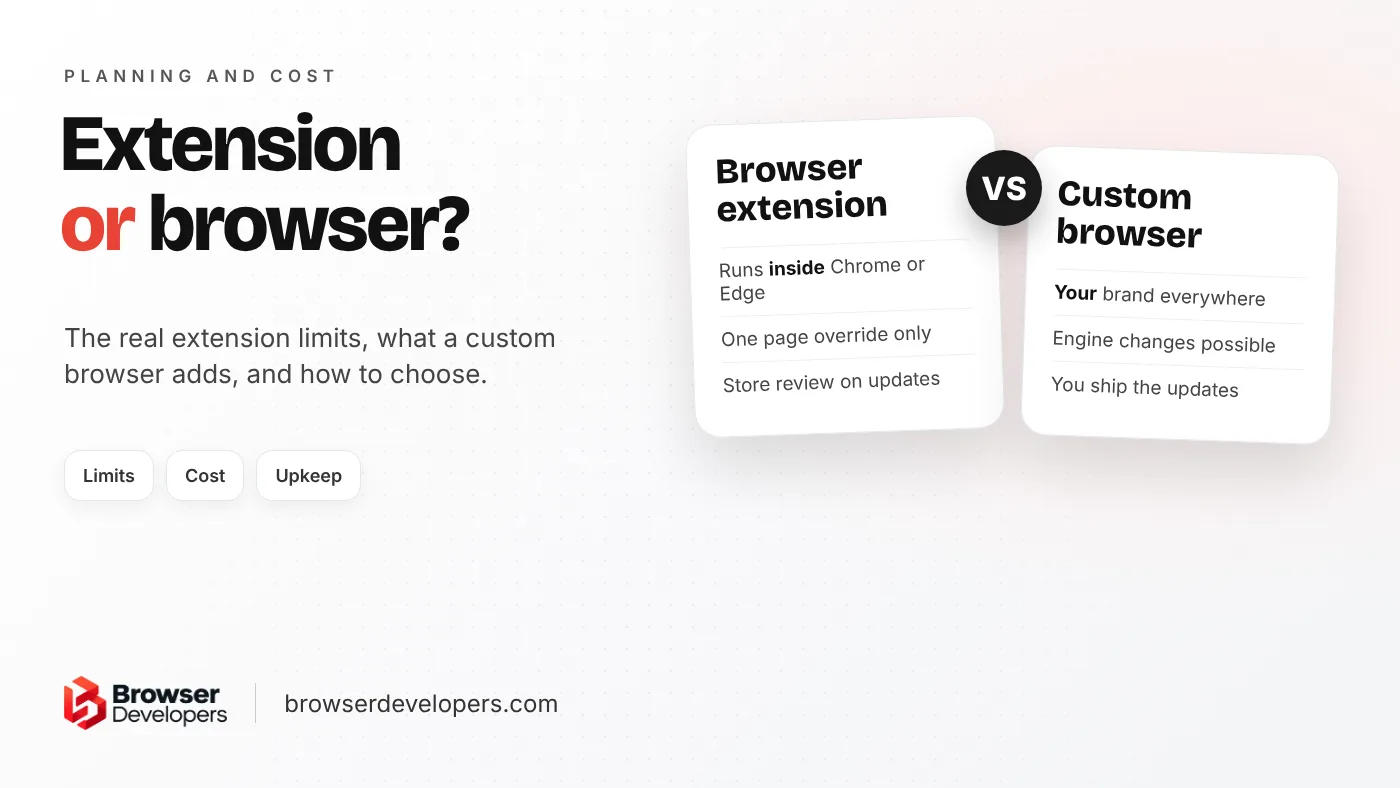
Build an extension if your product can live inside Chrome, Edge or Firefox and fits the extension APIs. Build a custom browser when you need your own brand on the whole browser, features the extension APIs cannot reach, or control over updates and defaults.
| Browser extension | Custom browser | |
|---|---|---|
| Where it runs | Inside Chrome, Edge, Firefox or Safari | It is the browser |
| Your brand | In the toolbar, popup and side panel | Everywhere: name, logo, installer |
| Engine changes | Not possible | Possible, at upkeep cost |
| Distribution | Browser stores, with review | Your own installer and update server |
| Who controls updates | The browser maker and the store | You |
| Typical effort | Smaller project | Bigger project, then ongoing upgrades |
What are the limitations of Chrome extensions?
A Chrome extension cannot change the browser’s name, core interface or engine. In Chrome it can replace only one built-in page, blocks requests through a capped rules engine, runs no code from your server, and loses its background script when idle. Users can usually remove it.
These are the limits that most often push a product out of an extension, each from Chrome’s own docs:
- Only one built-in page. An extension can override the New Tab page, History or the Bookmark Manager, but only one of them, and it can’t override New Tab in incognito windows. The rest of the browser’s interface is not yours.
- Capped network rules. Request blocking goes through declarativeNetRequest: enabled static rulesets are guaranteed at least 30,000 rules, with up to 50 enabled rulesets, 30,000 safe dynamic rules and 5,000 session rules. Unless your extension is installed by company policy, logic that does not fit a rule cannot block a request.
- No code from your server. In Manifest V3, all of an extension’s logic must be in the package, so every change to it goes through store review.
- A background script that stops. Chrome shuts down the extension’s service worker after 30 seconds without activity.
- Native features need a second install. To talk to a program on the computer, an extension uses native messaging, and that program and its registration must be installed separately.
- Someone else’s rules. Store review, the single-purpose policy and platform changes such as the Manifest V2 shutdown are decided by the browser maker. Our Manifest V2 to V3 checklist shows the work the last one forced on extension owners.
What does a custom browser give you that an extension can’t?
Your name and logo everywhere, your own default settings and start page, features built into the browser itself, changes inside the engine, your own installer and update server, and the option to switch extensions off entirely. You also take on the browser’s security updates.
- Your brand on every screen. Name, icons, installer, About page. Our rebranding guide lists every file involved.
- Features inside the browser. On BrowseWeb3, we built the wallet, a VPN and ad blocking into the browser itself, so users need no extension. On that project, the built-in features shipped on the browser’s release schedule, not an extension store’s.
- Locked-down products. On XFII, extensions are switched off and the first screen users see is XFII’s own.
- The cost: you own the browser’s security. Chrome now ships a new major version every two weeks, and a fork has to keep up, or follow the eight-week Extended Stable channel. Our fork maintenance playbook covers how.
How do cost, time and upkeep compare?
A browser extension typically takes 3–8 weeks, and its upkeep is following browser and store changes. A custom browser takes 6–10 weeks for a light rebrand and 3–6 months with built-in features, and every Chromium release after launch is ongoing work.
| Browser extension | Custom browser | |
|---|---|---|
| Fixed costs to publish | Chrome Web Store: one-time $5 fee | Code-signing certificates, update server |
| First release | Typically 3–8 weeks, plus store review (days to weeks) | Light rebrand 6–10 weeks; with built-in features 3–6 months |
| Upkeep | Browser and store changes, review on each update | Every Chromium release, security fixes |
The 6–10 week figure is the typical first release for a light rebrand on our white-label browser service. Our custom browser timeline guide has the full ranges. For the details on cost, read what a Chrome extension costs and what drives the cost of a custom Chromium browser.
Can you combine an extension and a custom browser?
Yes. A common path is to start with an extension to prove demand, then build a browser for the users who need more. A custom browser can also ship features as built-in extensions, which are usually easier to upgrade than changes in the engine.
The two paths combine in a few common ways:
- Extension first, browser later. A common path: prove the product with an extension, then build a browser for users who need what an extension cannot do.
- Both side by side. Minego’s own site listed an iOS app and a Chrome extension alongside the Web3 browser we built for it.
- Built-in extensions. A custom browser can ship features as extensions bundled with it, which are usually easier to carry across Chromium upgrades than changes in the engine.
When should you choose a custom browser over an extension?
Choose by your hardest requirement. Distribution inside existing browsers, a small budget and fast launch point to an extension. Your own brand, engine-level changes, locked-down features or control of updates point to a custom browser.
| If you need… | Choose |
|---|---|
| Users who already use Chrome, Edge or Firefox | Extension |
| A fast, low-cost launch | Extension |
| Company-wide rollout on managed Chrome | Extension (force-installed by policy) |
| Your brand on the whole browser | Custom browser |
| Changes to networking, rendering or privacy inside the engine | Custom browser |
| Other extensions switched off, or fixed features | Custom browser |
| Your own update server and release timing | Custom browser |
Final takeaway
Start with an extension unless a real limit stops you. When one does, such as your own brand, engine changes or a locked-down product, a custom browser is the right tool, as long as you plan for the Chromium upgrades that come with it.
Frequently asked questions
Can a browser extension change the browser’s name or logo?
No. An extension runs inside someone else’s browser, so the name, logo, installer and update channel stay theirs. If users must see your brand from the moment they install, you need your own browser.
Can a company make every employee use my extension?
Yes, on managed Chrome. Chrome’s enterprise publishing page says administrators can set policies that install extensions automatically and silently for users in the organization. Users can’t remove extensions installed that way, which often removes the need for a company browser.
Can I ship my extension on iPhone?
For Safari, yes: Apple distributes Safari web extensions inside an app through the App Store. A custom Chromium browser is not an option on iPhone in most countries, because Apple requires browsers to use WebKit outside the EU and Japan.
Not sure which one your product needs?
Tell us what the product has to do. We build both, so we will tell you whether an extension is enough or you need a custom browser. See our custom Chromium browser development service.